Virtual classrooms. Real connection.
Deliver powerful learning experiences from anywhere. Our BigBlueButton integration is purpose-built for education, giving you the tools to teach, engage, measure and connect in real-time. Say goodbye to passive video conferencing and hello to active learning.

What is BigBlueButton?
BigBlueButton is open source virtual classroom software that enables you to bring engaging video webinar functionality to your LMS.
Its range of web conferencing functionality gives you all the tools you need to deliver real-time interactive video, audio, slides, whiteboards, chat and screen sharing. Simple controls make it easy for educators to engage directly with participants and invite guest speakers.
BigBlueButton creates an interactive learning environment with advanced features such as breakout rooms, interactive whiteboards and session recording. Our team of learning technology experts will help you to make these features an integrated part of your Totara Learn, Moodle LMS and Moodle Workplace site.

What makes BigBlueButton different?
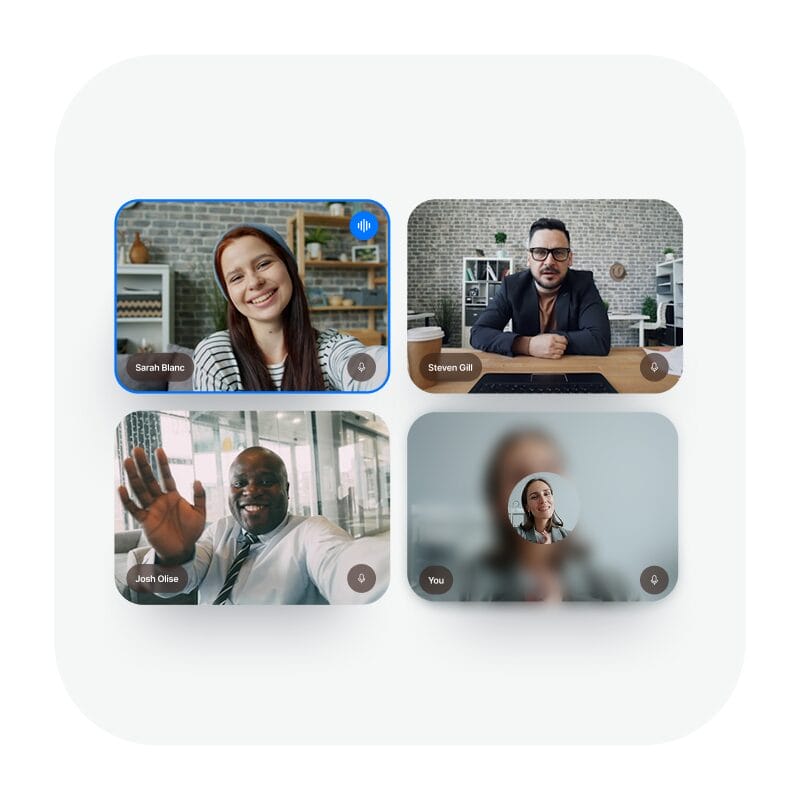
Designed for teaching, not meetings
Unlike generic video tools, BigBlueButton is built specifically for online learning. Every feature is crafted to support teaching, training and interactive instruction.

Built to work seamlessly with your LMS
BigBlueButton integrates smoothly with platforms like Moodle LMS and Moodle Workplace, so you can schedule sessions, track engagement and access recordings without ever leaving your learning environment.
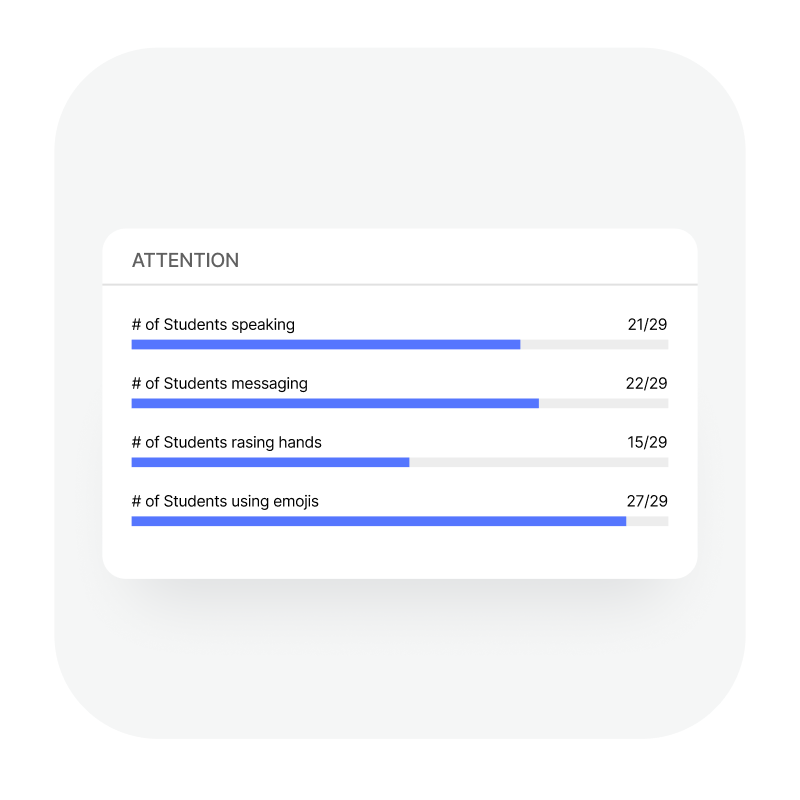
Rely on insightful analytics (not webcams)
BigBlueButton gives you live engagement scores during sessions to help you adapt in the moment. Detailed reports, such as attendance tracking and participation insights, support compliance and performance monitoring. What’s more, with the Enterprise Learning Analytics Dashboard, you can gain insight into student activities and participation across the whole organisation.
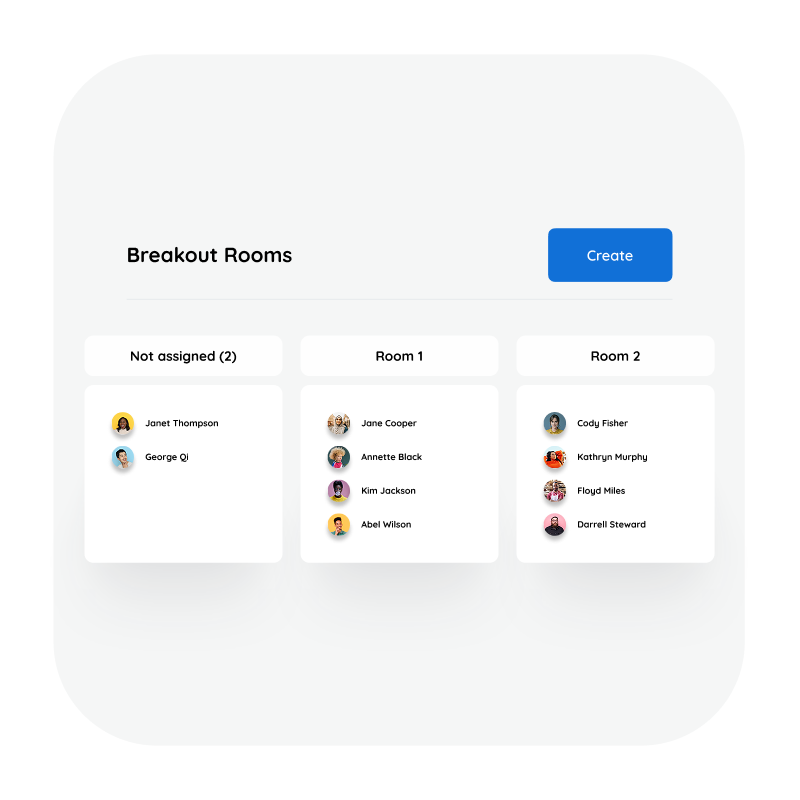
Drive engagement with dedicated tools
Breakout rooms, live polls, shared notes, multi-user whiteboards and emoji reactions are just a few of the features that help you create a collaborative, hands-on learning experience that keeps learners engaged.

Open-source and cost-effective
With no per-user licensing fees, BigBlueButton offers flexibility, transparency and long-term sustainability for organisations of any size.
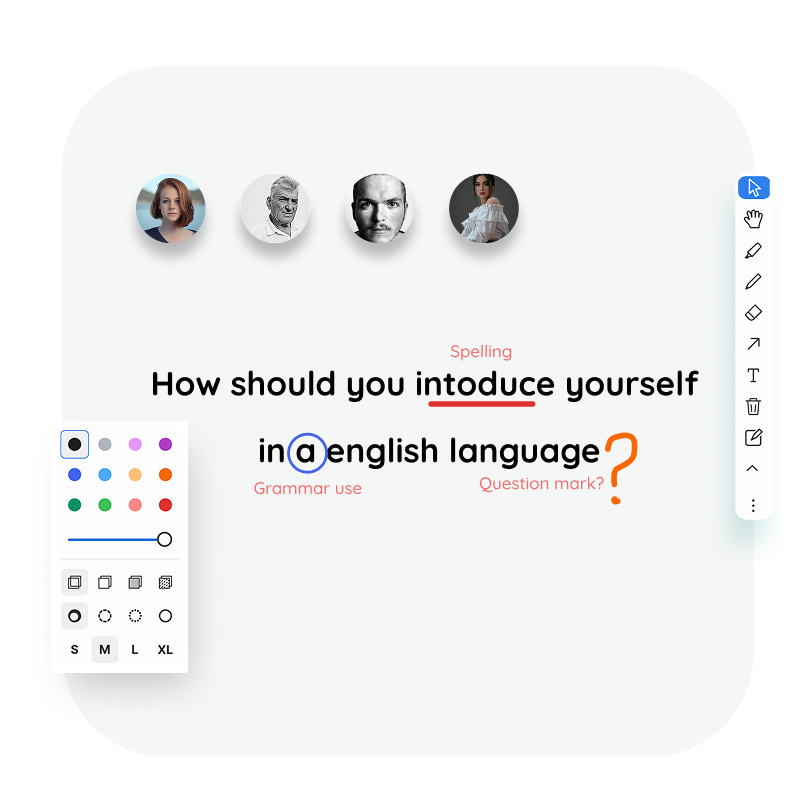
Always improving
Driven by an active global community, BigBlueButton evolves with the needs of educators, continuously adding new features and refinements to keep your virtual classrooms effective and ready for the future.
Who is BigBlueButton for?

BigBlueButton is designed with educators in mind, making it perfect for the following:
✅ Universities and colleges delivering hybrid or distance learning
✅ Training providers running instructor-led online sessions
✅ Organisations seeking to make online learning more interactive
✅ Schools looking for a safe, simple and integrated virtual classroom
See BigBlueButton in action
Get a quick introduction to BigBlueButton with the short tutorial videos below.
BigBlueButton Instructor Overview
This video shows how to manage your classroom, share content, have students apply themselves (such as in polls, shared notes, and breakout rooms), and assess their performance using the built-in Learning Analytics Dashboard and use the insights to see students that are struggling (even if they are not sharing webcams), giving them feedback in the moment to help them learn more efficiently.
View a variety of tutorials, including but not limited to: Using the Layout Manager and Using Breakout Rooms on BigBlueButton’s website or YouTube.
What customers are saying…
BigBlueButton is trusted by educational institutions, governments & Fortune 500 companies worldwide.
Learning & Development Manager, Higher Education Partner


Ready to deliver your best virtual classroom experience yet?
With Synergy Learning and BigBlueButton, you can create an online learning experience that feels as personal and connected as a face-to-face conversation. Contact us today, and one of our experts will be in touch.
Contact Us